
Roadmap
Interactive dependency graph, list view, iterations, prompt queue, and GitHub sync.
Roadmap
The Roadmap gives you a high-level view of your project's work items, their dependencies, and their progress. It combines an interactive force graph, a traditional list view, iteration planning, and a prompt queue for agent coordination -- all accessible from a single sidebar panel.
Open the Roadmap with Ctrl+Shift+M.
Visualization Modes
Force Graph
An interactive node-link diagram where each node represents a roadmap item and edges represent dependencies. Available in both 2D and 3D rendering modes.
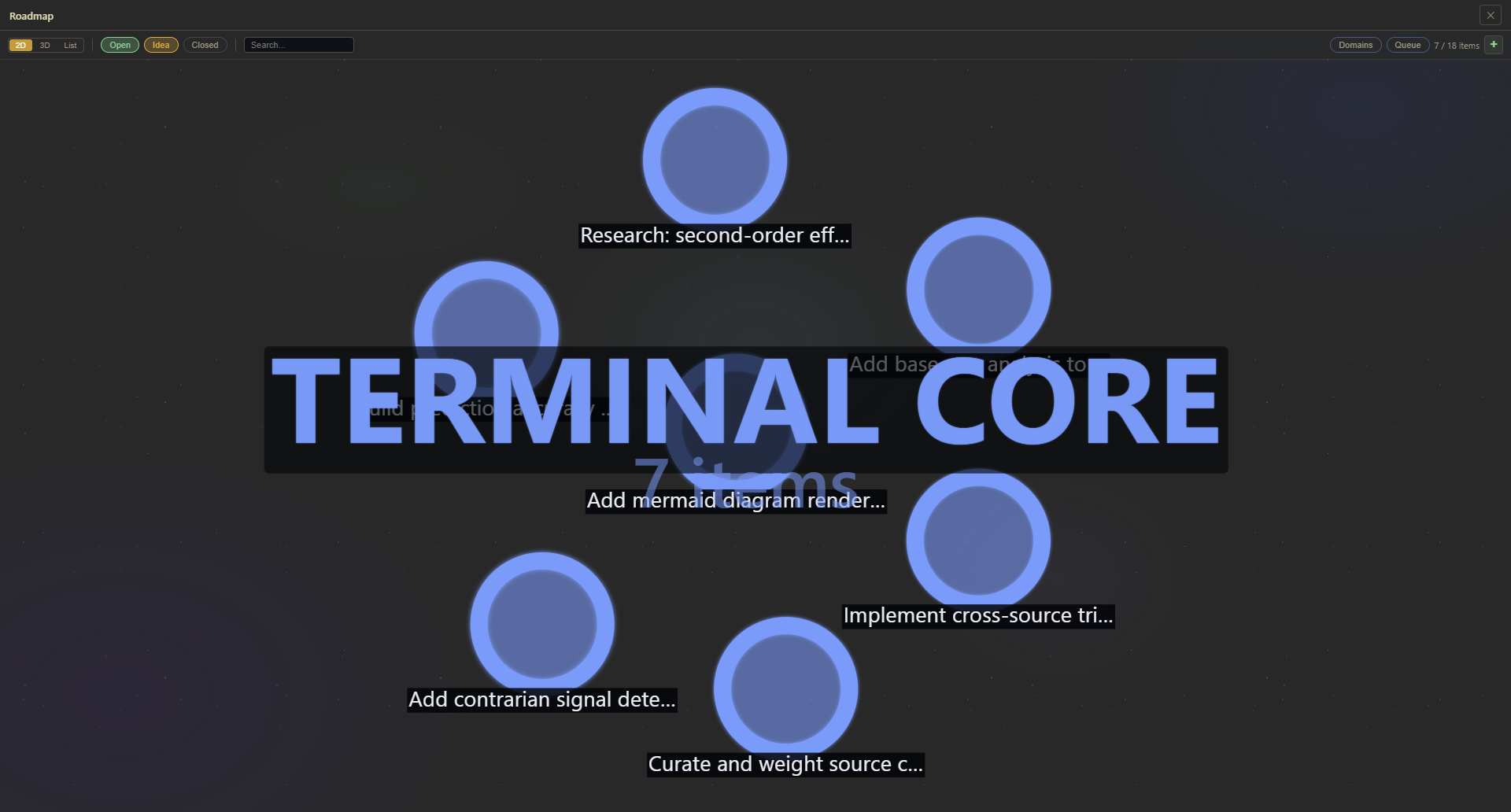
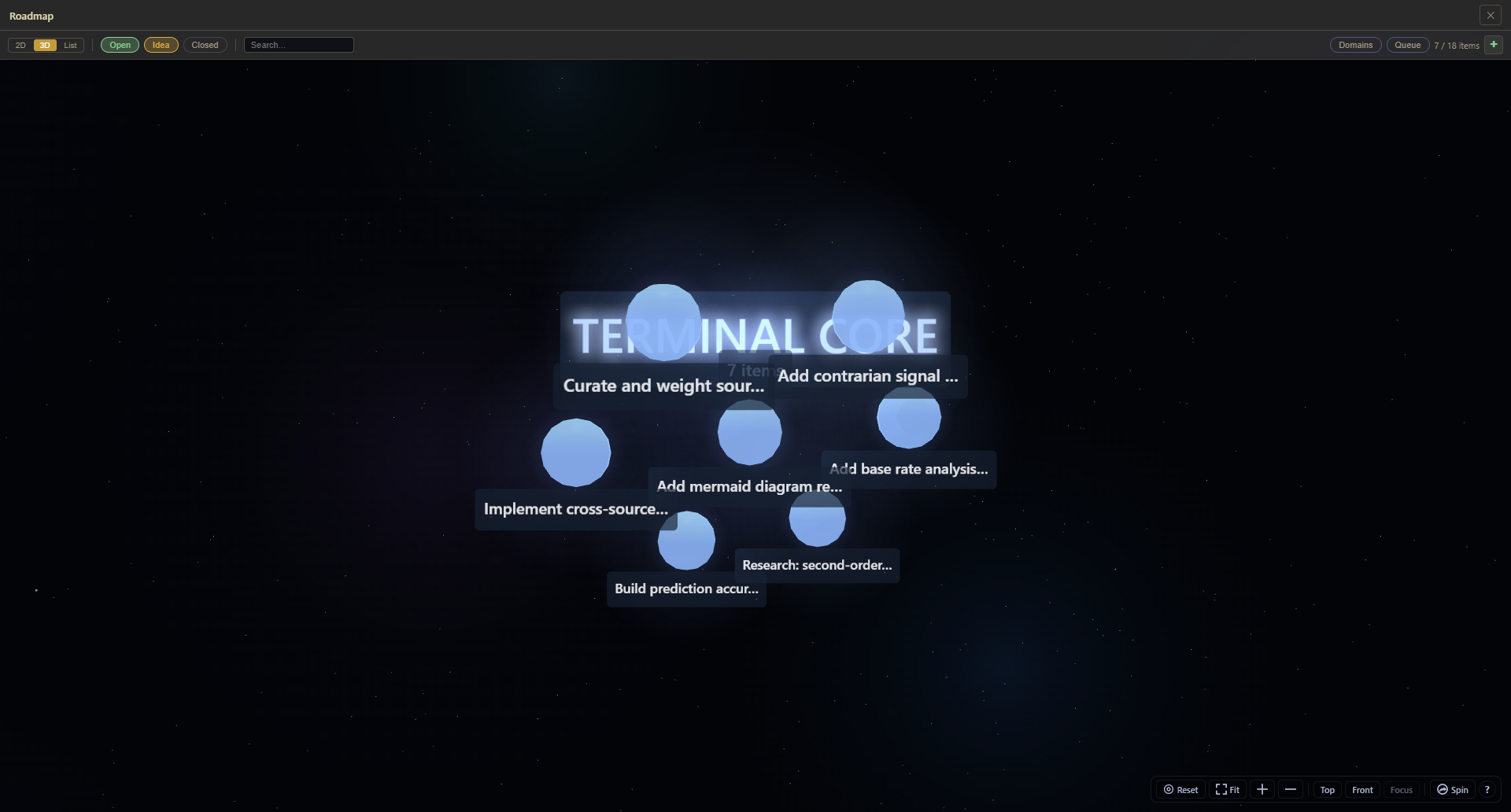
- Drag nodes to rearrange the layout manually
- Zoom and pan to navigate large graphs
- Click a node to open its details in the sidebar
- Dependency edges are drawn as directional arrows showing which items block which
The force simulation naturally clusters related items and pushes unrelated items apart, giving you a spatial sense of your project's structure at a glance. Switch between 2D and 3D to find the perspective that works best for your graph's density.
List View
A traditional table layout with flexible grouping and sorting:
| Option | Choices |
|---|---|
| Group by | Domain, status, priority, iteration, or ungrouped |
| Sort by | Priority, status, creation date, title, or domain |
The list view is better for scanning many items quickly, performing bulk operations, or when the dependency graph is too dense to read visually.
Sidebar Panels
Domain Sidebar
Filter roadmap items by domain or area of the project. Domains are tags you assign to items (e.g., "Terminal", "Orchestration", "UI", "Performance"). Selecting a domain narrows both the force graph and the list view to items in that area.
Detail Sidebar
Click any item to open a detail panel showing:
- Title, description, status, and priority
- Domain and milestone assignment
- Dependency list (what this item blocks and what blocks it)
- Edit controls for all properties
- GitHub issue link (if synced)
GitHub Sync
The Roadmap syncs bidirectionally with GitHub Issues:
- Mosaic to GitHub: items created in Mosaic can be pushed to GitHub as issues
- GitHub to Mosaic: issues from GitHub appear in the roadmap with their labels, status, and assignments
- Changes in either direction are reflected on sync
- Create new issues directly from the roadmap without leaving Mosaic
- Configure the connected repository per workspace in settings
Tip: Use GitHub sync to keep your roadmap aligned with your issue tracker. External contributors see GitHub issues; you see the dependency graph and iteration plan.
Iterations (Sprints)
Iterations are named batches of roadmap items, similar to sprints in agile workflows.
- Only one iteration can be active at a time
- Items are automatically tagged with their iteration when assigned
- Create iterations for focused work periods: "Week 12", "v2.1 Sprint", "Performance Push"
Dependency-Aware Ordering
Within an iteration, items are automatically sorted so you always know what to work on next:
| Behavior | Details |
|---|---|
| Ordering | Items with no unsatisfied dependencies appear first |
| Tiebreaker | Priority is used when multiple items are equally ready |
| Cycle safety | Circular dependencies are detected and handled gracefully |
This gives agents (and humans) a clear "what to work on next" ordering without manual prioritization.
Queue Panel
A reorderable list of items queued for work. Drag items up and down to set their order. The queue provides a simple, linear view of what comes next, complementing the graph and list views.
Agents can claim the next item from the queue automatically, enabling automated task distribution.
Prompt Queue
Toggle with Ctrl+Shift+U. The prompt queue is a specialized queue for AI agent coordination:
| Action | Description |
|---|---|
| Add | Write prompts describing work to be done |
| Claim | An agent claims a prompt from the queue to start working on it |
| Skip | An agent skips a prompt it cannot handle |
| Complete | An agent marks a prompt as done when finished |
This creates a producer-consumer workflow: you (or an orchestrator agent) fill the queue with work descriptions, and worker agents pull from it autonomously.
Milestones
Group roadmap items into milestones for high-level progress tracking. Milestones represent significant project goals that encompass multiple work items. Track how many items in each milestone are complete to monitor progress toward major deliverables.
Bulk Update
Select multiple items and update their properties at once:
- Status
- Domain
- Priority
- Iteration assignment
- Milestone
Useful for triaging a batch of new issues or re-prioritizing after a planning session.
Dependencies
Dependencies express "X must be completed before Y can start." They are:
- Visualized as directional arrows in the force graph
- Enforced when claiming work -- agents cannot claim an item whose dependencies are still open
- Sorted within iterations so ready items surface first
When an agent claims an item, it automatically moves to "In Progress" on the project board. When they complete it, it moves to "Done." The entire workflow from planning to execution is automated.
Keyboard Reference
| Shortcut | Action |
|---|---|
| Ctrl+Shift+M | Toggle roadmap sidebar panel |
| Ctrl+Shift+U | Toggle prompt queue |
Related
- Project Board -- kanban view with drag-to-terminal agent spawning
- Agent Orchestration -- agents claiming work from the roadmap
- Sidebar System -- docking and arranging sidebar panels